Data and settings
AI providers
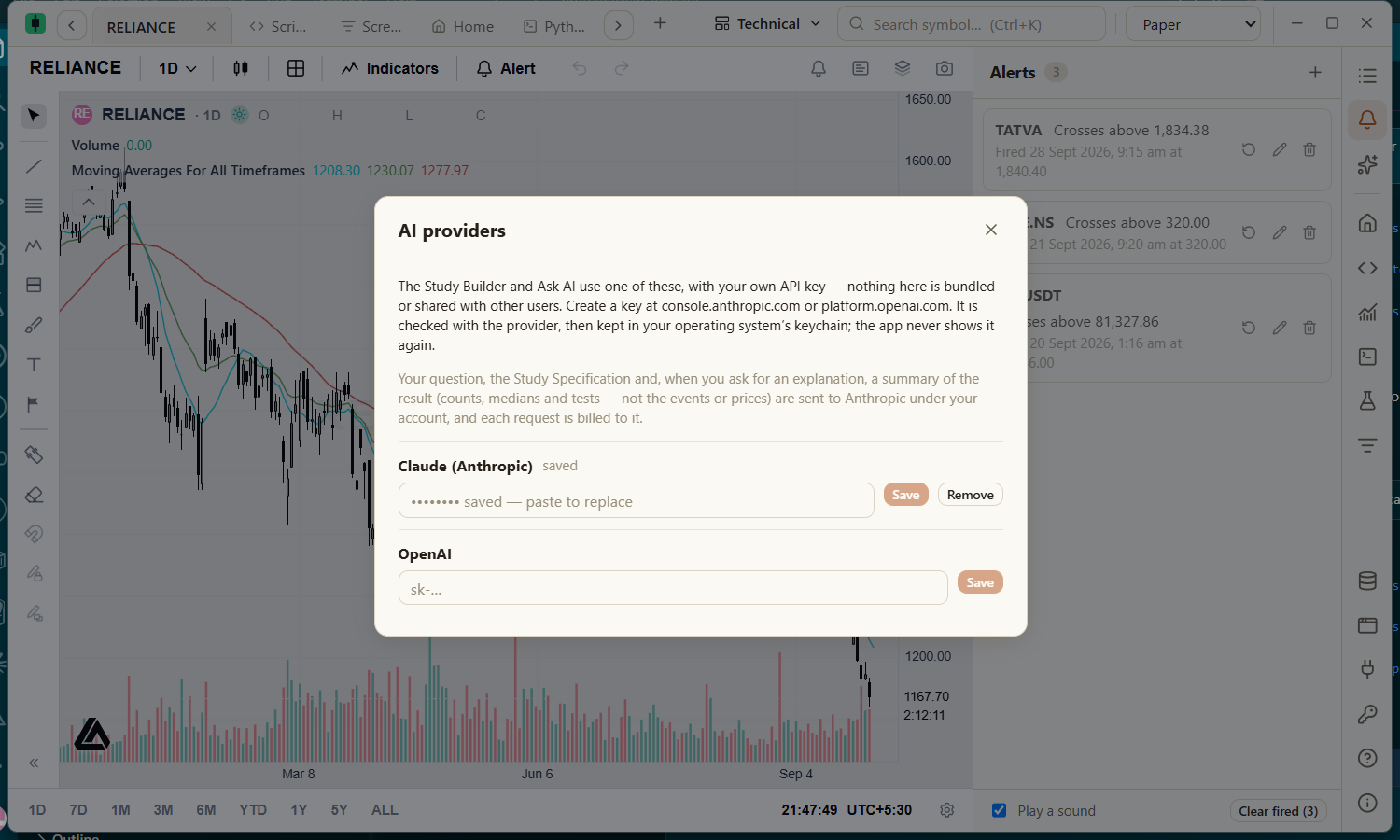
Add your own Claude or GPT API key for Ask AI and AI in Studies.
- Open AI providers from the key icon at the bottom of the right rail.
- Paste your Anthropic (Claude) or OpenAI (GPT) API key and save it. The key is checked with the provider before it is stored.
- With both configured, choose which one to Use for AI features.
Privacy and cost
- Keys are kept in your operating system's credential store, used only by the app's backend, and never shown again or written to logs.
- Requests go to the provider you chose under your own account and are billed to it. Nothing is bundled or shared.
- Each feature says what it sends. Ask AI sends your conversation and a small description of your workspace; Studies send the question, the specification and summary figures — never individual prices or events.